Finder Quick Look
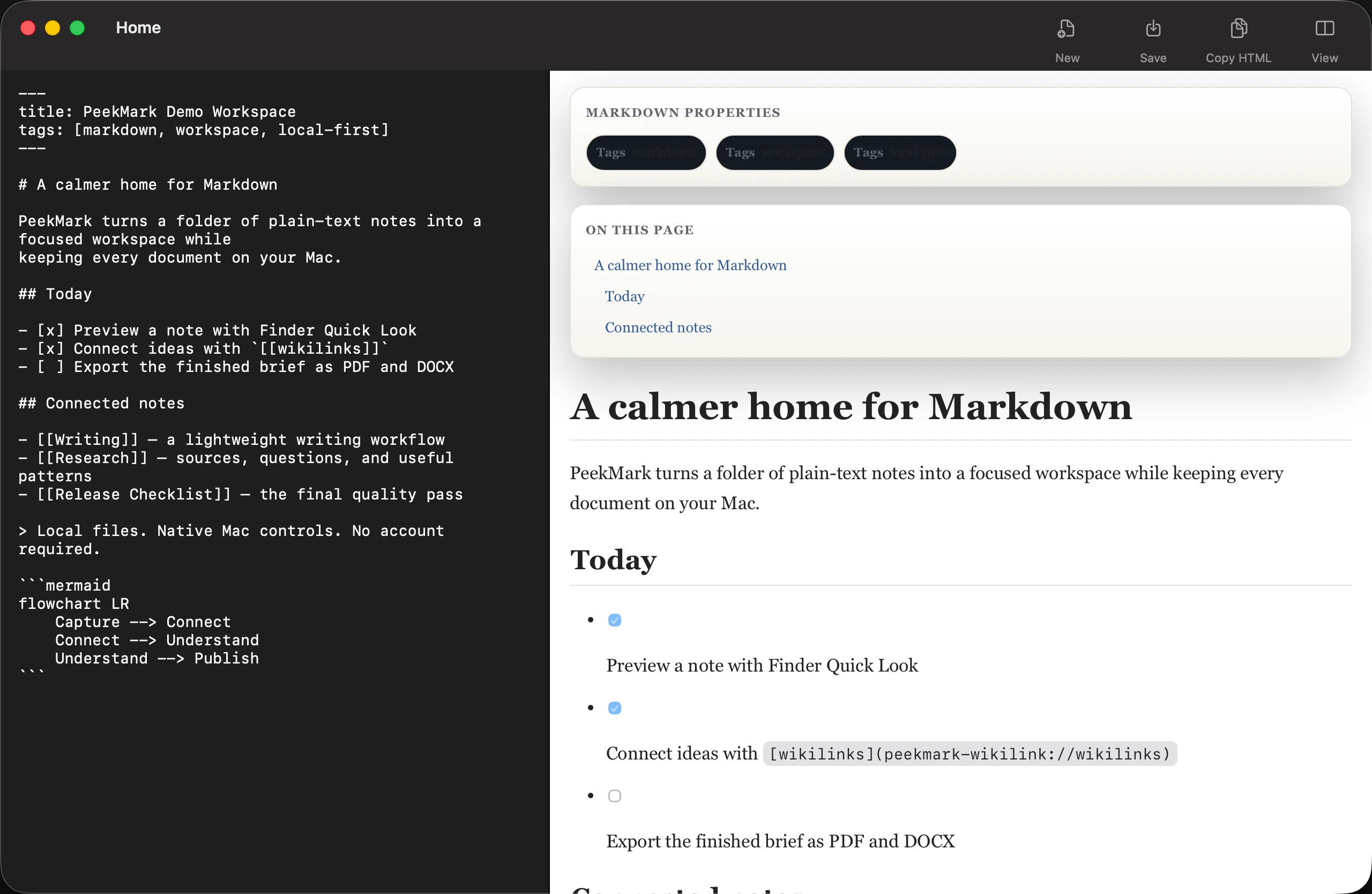
Press Space on a Markdown file for a native preview with GFM, syntax highlighting, frontmatter, TOC, anchors, and wikilinks.
PeekMark is a local-first Markdown viewer and workspace for Mac. Press Space in Finder for a rich Quick Look preview, then unlock Pro for connected workspaces, search, backlinks, graph, themes, and export.
Community keeps the complete rendering baseline. Pro adds the workflow layer around your files without replacing the Markdown you already own.
Press Space on a Markdown file for a native preview with GFM, syntax highlighting, frontmatter, TOC, anchors, and wikilinks.
Render Mermaid diagrams and Math/LaTeX locally with bundled assets and no hosted document renderer.
Open a Markdown folder as a connected workspace and move through documents without losing context.
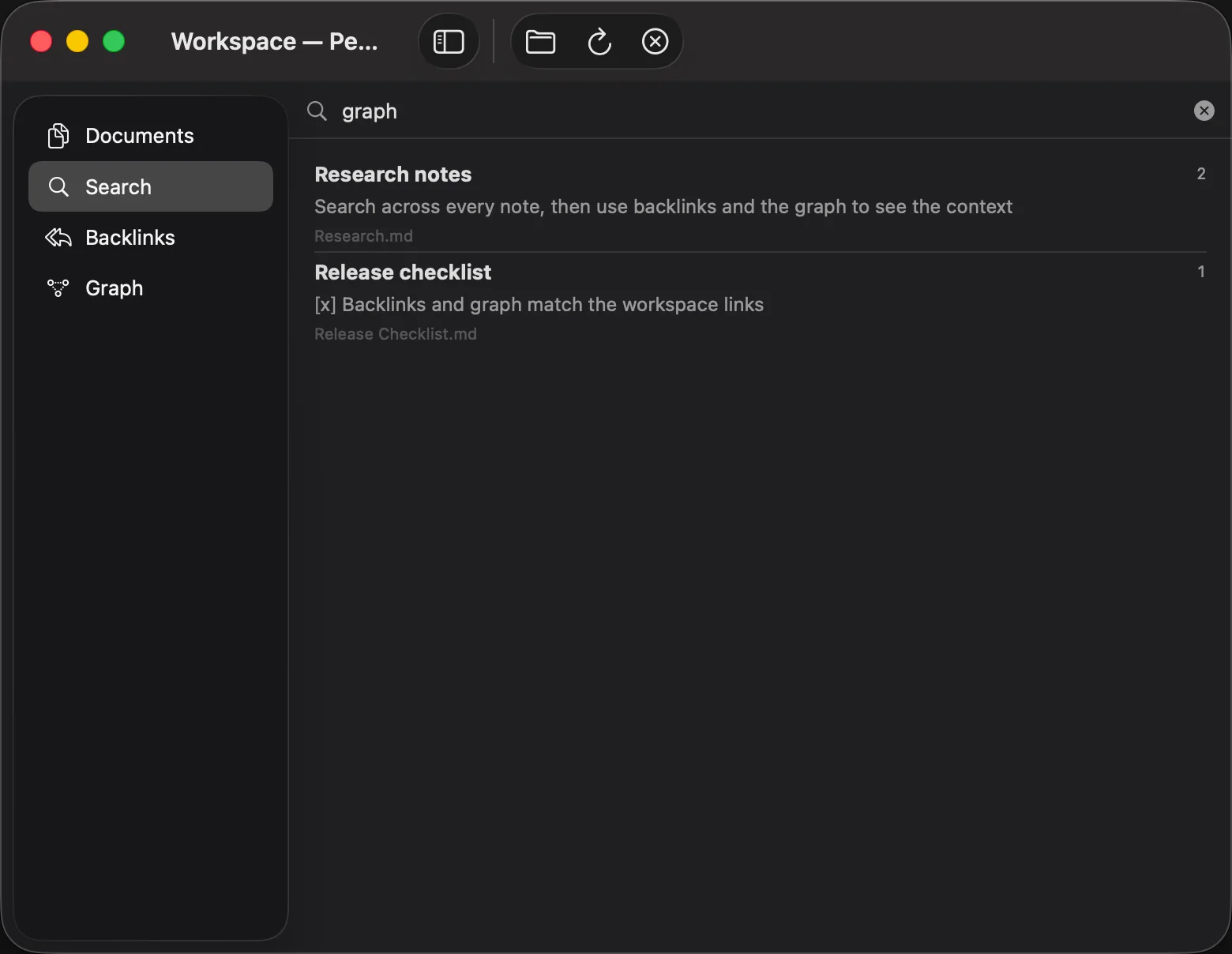
Search content, title, tags, paths, and quoted phrases across the whole workspace.
See which notes point to the current document and explore relationships through a knowledge graph.
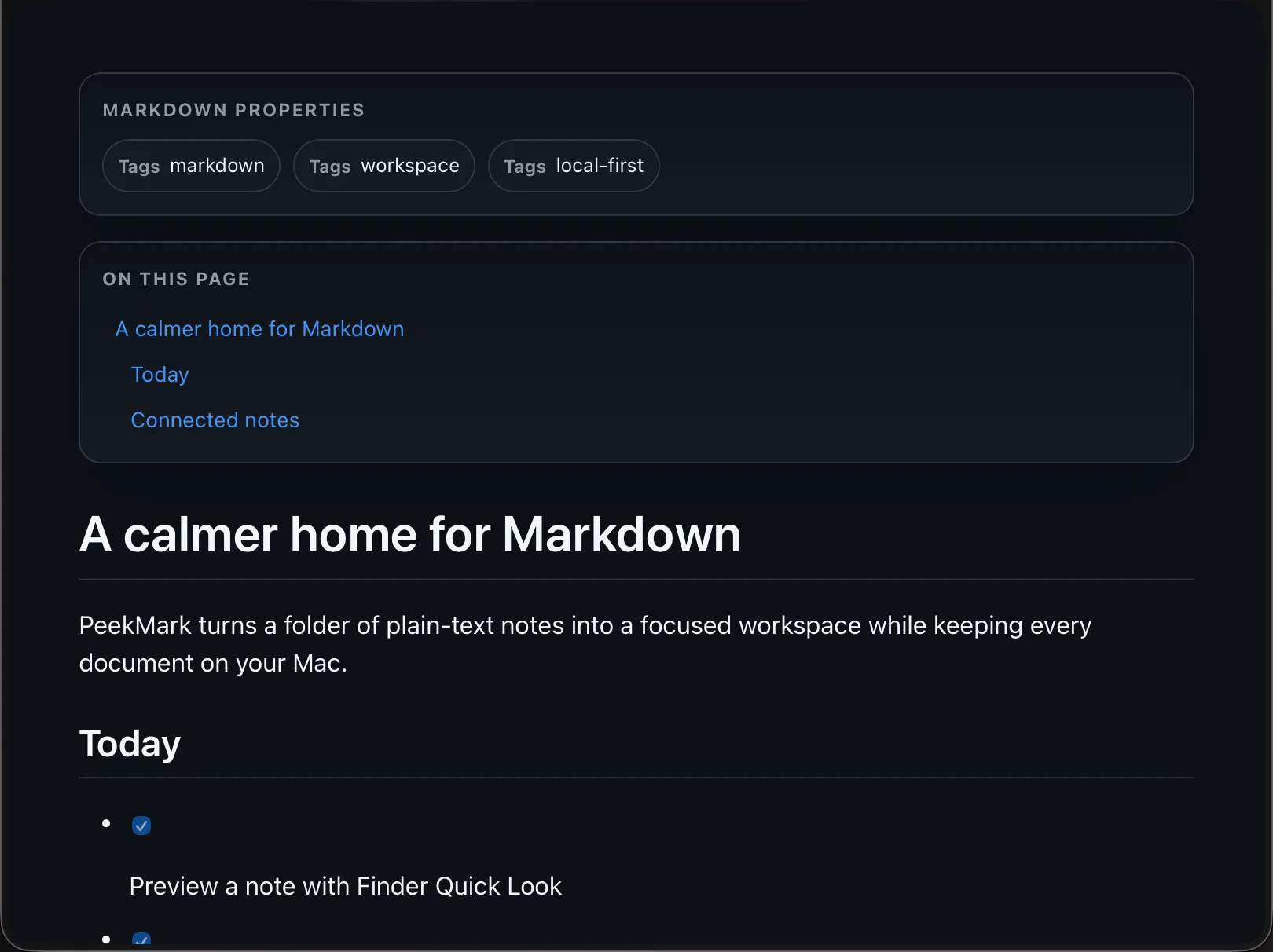
Choose focused preview themes and export finished Markdown to HTML, PDF, or DOCX.
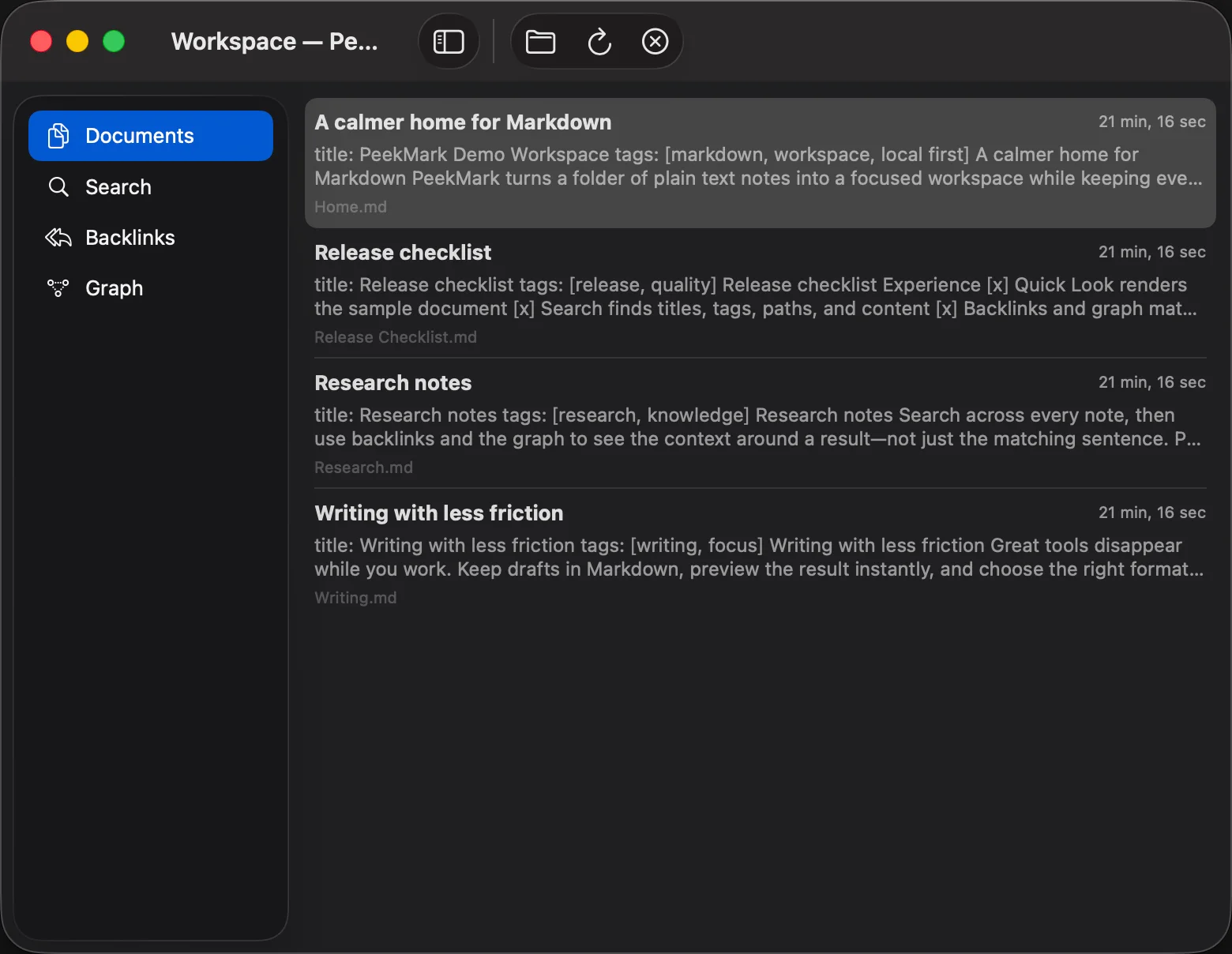
Get version 1.0 from the Mac App Store or the signed Community 1.0.0 DMG. Pro is paid once; App Store purchases and direct Quartz licenses are restored through their original storefront.
$0forever
$12.99one-time
Rendering fundamentals remain free. Pro unlocks organization, discovery, customization, and output.
| Capability | Community | Pro |
|---|---|---|
| Finder Quick Look | Included | Included |
| GFM, code, Mermaid, Math/LaTeX | Included | Included |
| Frontmatter, TOC, anchors, wikilinks | Included | Included |
| Workspace management | — | Included |
| Advanced search | — | Included |
| Backlinks and knowledge graph | — | Included |
| Custom preview themes | — | Included |
| HTML, PDF, and DOCX export | — | Included |
| License | AGPL-3.0 | Proprietary · 3 personal Macs |
Dodo Payments handles checkout and tax. PeekMark verifies the license through the Quartz activation gateway.
Complete the secure Dodo Payments checkout. Your license is a one-time purchase, not a subscription.
After payment, copy the license key from the confirmation page or your receipt email. Keep it private.
Open PeekMark → Settings → General, paste the key, and choose Activate. Repeat on up to three personal Macs.
Payment and license verification require network access. Markdown rendering, workspace indexing, search, backlinks, and graph analysis stay on your Mac.
Preview content is rendered locally rather than sent to a hosted Markdown service.
Workspace search and relationship data are built from local files on your Mac.
License requests use the key and an app-scoped one-way device identifier, not your document contents.
The renderer is free and open source. Pro adds a paid workflow around the Markdown files you already own.
PeekMark is a native Markdown previewer and local-first workspace for Mac. Community adds Finder Quick Look and rich local rendering; Pro adds workspaces, advanced search, backlinks, a knowledge graph, themes, and export.
Install PeekMark Community, select a Markdown file in Finder, and press Space. Quick Look renders GFM, code, Mermaid, Math/LaTeX, frontmatter, tables of contents, anchors, and wikilinks locally.
PeekMark is a Markdown viewer, previewer, and workspace rather than a full text editor. It renders and connects the Markdown files you already own.
No. Rendering, workspace indexing, search, backlinks, and graph analysis run on your Mac. Network access is used for downloading the app, checkout, and Pro license verification.
Finder Quick Look, GitHub Flavored Markdown, syntax highlighting, Mermaid, Math/LaTeX, frontmatter, tables of contents, anchors, and wikilinks remain in Community under AGPL-3.0.
PeekMark Pro is a one-time $12.99 purchase for activation on up to three personal Macs. There is no recurring subscription.
App Store purchases and direct Quartz licenses are separate entitlements. Restore an App Store purchase with the same Apple Account, or reactivate a direct purchase with its Quartz license key; purchases do not automatically convert between channels.
PeekMark is one of five private, focused Mac utilities from the same independent studio.
Hide menu bar clutter and reopen hidden items from Shelf when you need them.
Organize your menu bar with Tuck → Visual launcherLaunch and organize Mac apps with a classic grid, keyboard search, and folders.
Launch visually with Facet → Developer storageReview and safely clean rebuildable developer files with evidence and recovery.
Clean Mac storage with SpaceLint → Network diagnosticsDiagnose DNS, TLS, routes, HTTP, ports, and APIs in one Mac workspace.
Diagnose networks with Quartz Probe →$12.99 once. Up to three personal Macs. No subscription.